Microsoft
In-product Copy
BACKGROUND
Throughout my time on the Consumer Growth Engine (CGE) Digital Experiences team, I led the copy and content strategy of 100+ campaigns published to in-product Microsoft placements like the Windows Lock Screen.
Alongside managing campaign copy and the CGE project queue, I was also a member of our Editor in Chief (EiC) team, which reviewed all in-product campaigns before publishing. Multiple times a week, I participated in review sessions with our Sr. Director, offering precise copy/editing guidance with a firm focus on adhering to Microsoft writing standards.
Team Role
Senior Copywriter
Editor
Content Strategist
What I Do
Short-form in-product copywriting
Content & copy strategies
Editing/proofreading
What I Make
Headers, subheaders, body copy, CTAs, etc.
Guidelines/templates
Copy/content libraries
Software and Tools
MS Word & Excel
ClickUp
Copilot
SharePoint
Campaign: Bing Translator
Project Summary
Overview:
Crafted in-product copy explaining how Bing Translator worked and why Windows users should try it out.
Goal:
Promote awareness of Bing Translator and encourage engagement, both on the Windows lock screen and with the tool.
Strategy:
Knowing the majority of Windows users were unaware of Bing Translator, I focused on the benefits of getting quick translations as they browsed.
As the umbrella messaging, “feel confident” led with the core emotional benefit that leaned on translation accuracy, which addressed the primary concern of making mistakes when speaking a non-native language. In the middle of the lock screen, where the user’s eye is typically drawn, I highlighted the practical benefits, aiming to educate users on use cases that were likely to resonate with them.
Copy on the Windows Lock Screen
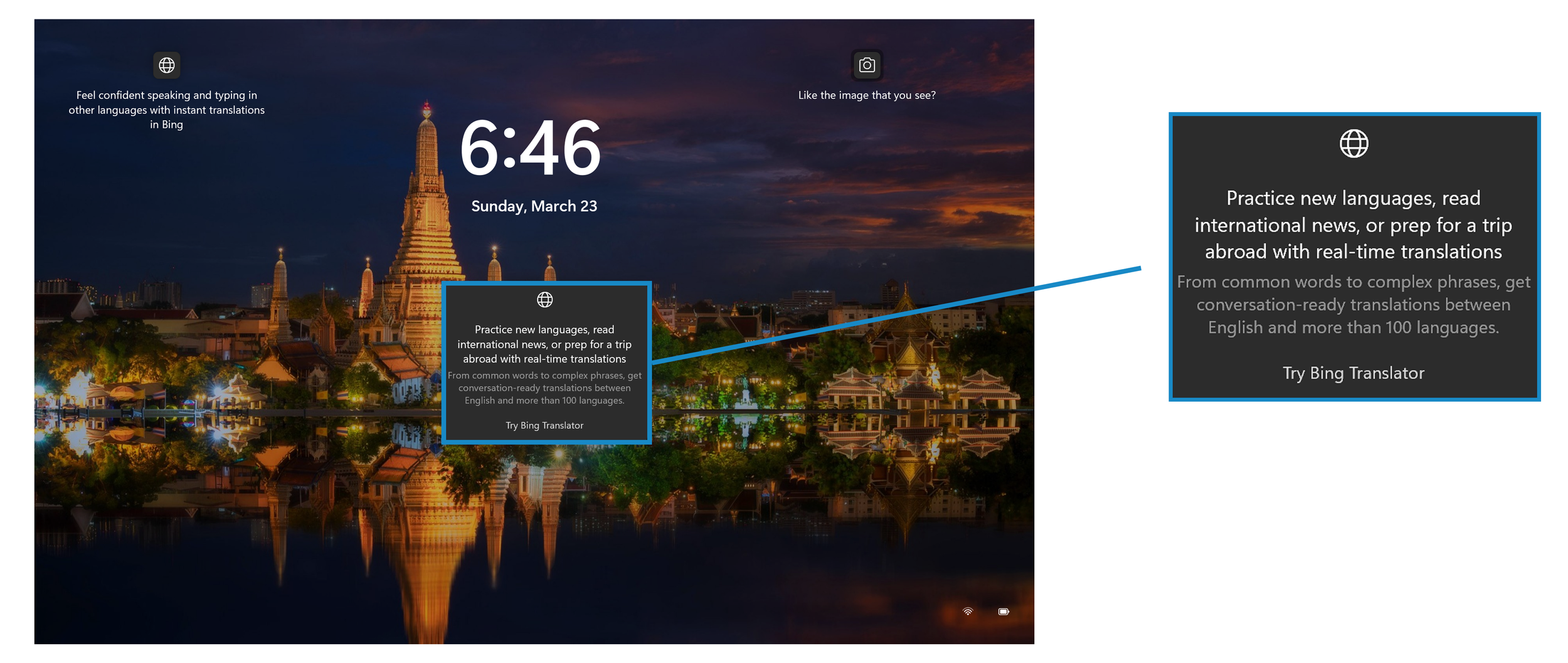
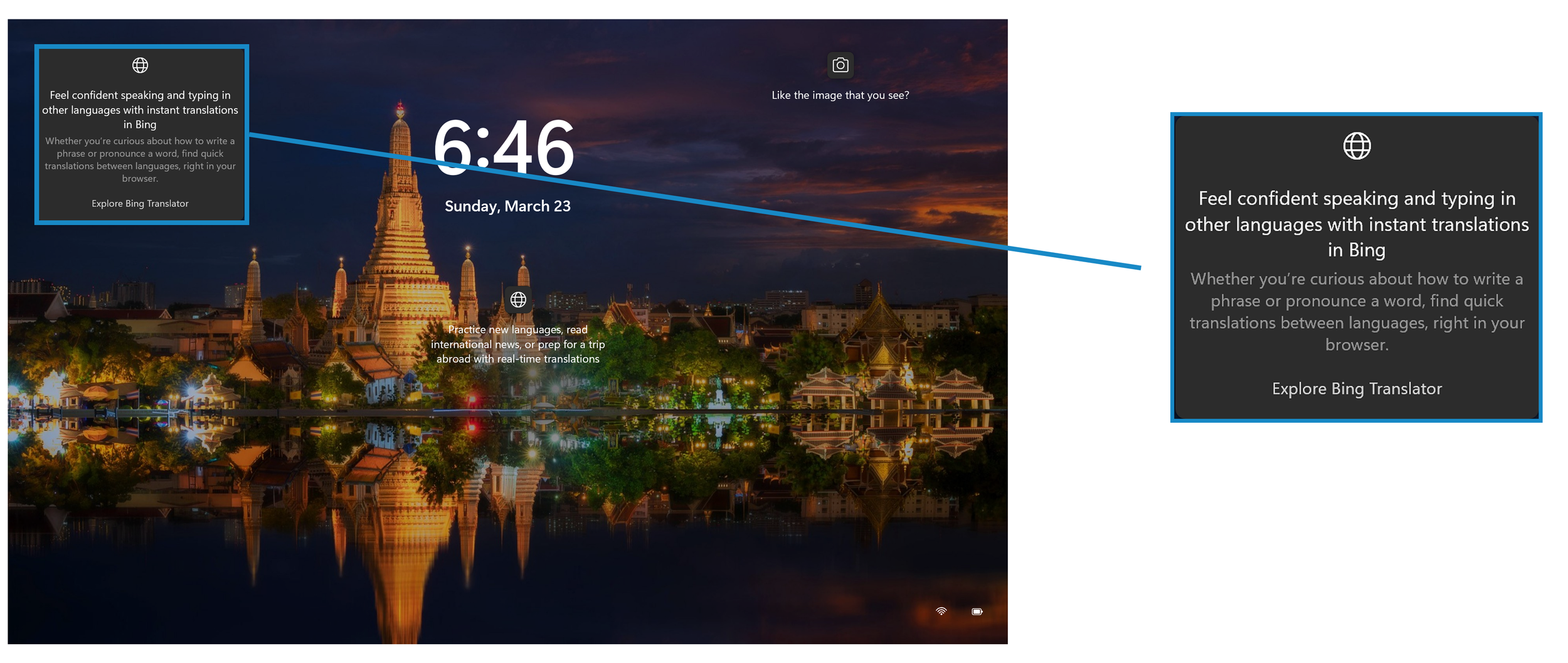
All Final Copy Examples: Windows Lock Screen
-
Headline:
Feel confident speaking and typing in other languages with instant translations in Bing
Description:
Whether you’re curious about how to write a phrase or pronounce a word, find quick translations between languages, right in your browser.CTA:
Explore Bing Translator -
Headline:
Practice new languages, read international news, or prep for a trip abroad with real-time translations
Description:
From common words to complex phrases, get conversation-ready translations between English and more than 100 languages.
CTA:
Try Bing Translator -
Headline:
Explore the Thai language and prep for a scenic trip abroad with real-time translations of common phrases
Description:
Get travel-ready translations, whether you’re thinking of visiting this spire-studded architectural marvel in Thailand, backpacking in Europe, or planning a family trip abroad.CTA:
Study languages with Bing Translator
Campaign: Copilot+ PC Awareness
Goal: Highlight benefit-led features and explain the differences between Surface devices.
Copy on the Windows Lock Screen
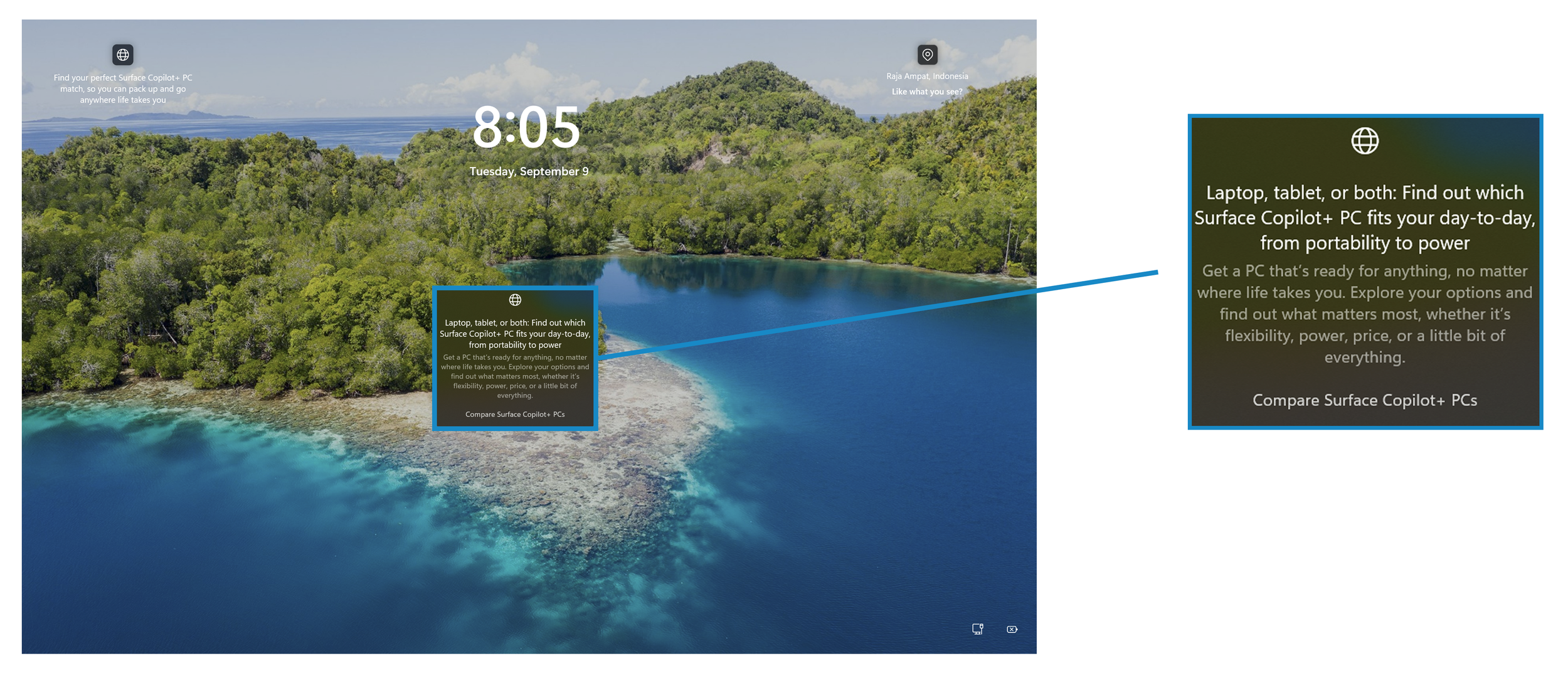
More Copy Examples: Windows Lock Screen
-
Headline:
Get the power you need to take on your day with Surface Copilot+ PCs, from quiet mornings to busy evenings
Description:
Go all day on a single charge, swap between your favorite apps in a flash, and breeze through to-do lists faster with AI.CTA:
Explore Surface Copilot+ PCs -
Headline:
Go further on a single charge and swap between your favorite apps in a flash with Surface Copilot+ PCs
Description:
Get the power you need to take on your day with battery life that lasts, faster app speed, and AI right by your side.
CTA:
Discover the power of Surface Copilot+ PCs -
Headline:
From the couch to the coffee shop, go anywhere life takes you with Surface Copilot+ PCs
Description:
Stay on the move and tackle what you need to get done, so you can focus on what you want to do. No matter what your day brings, get a PC that’s designed to keep up with you.CTA:
Get to know Surface Copilot+ PCs
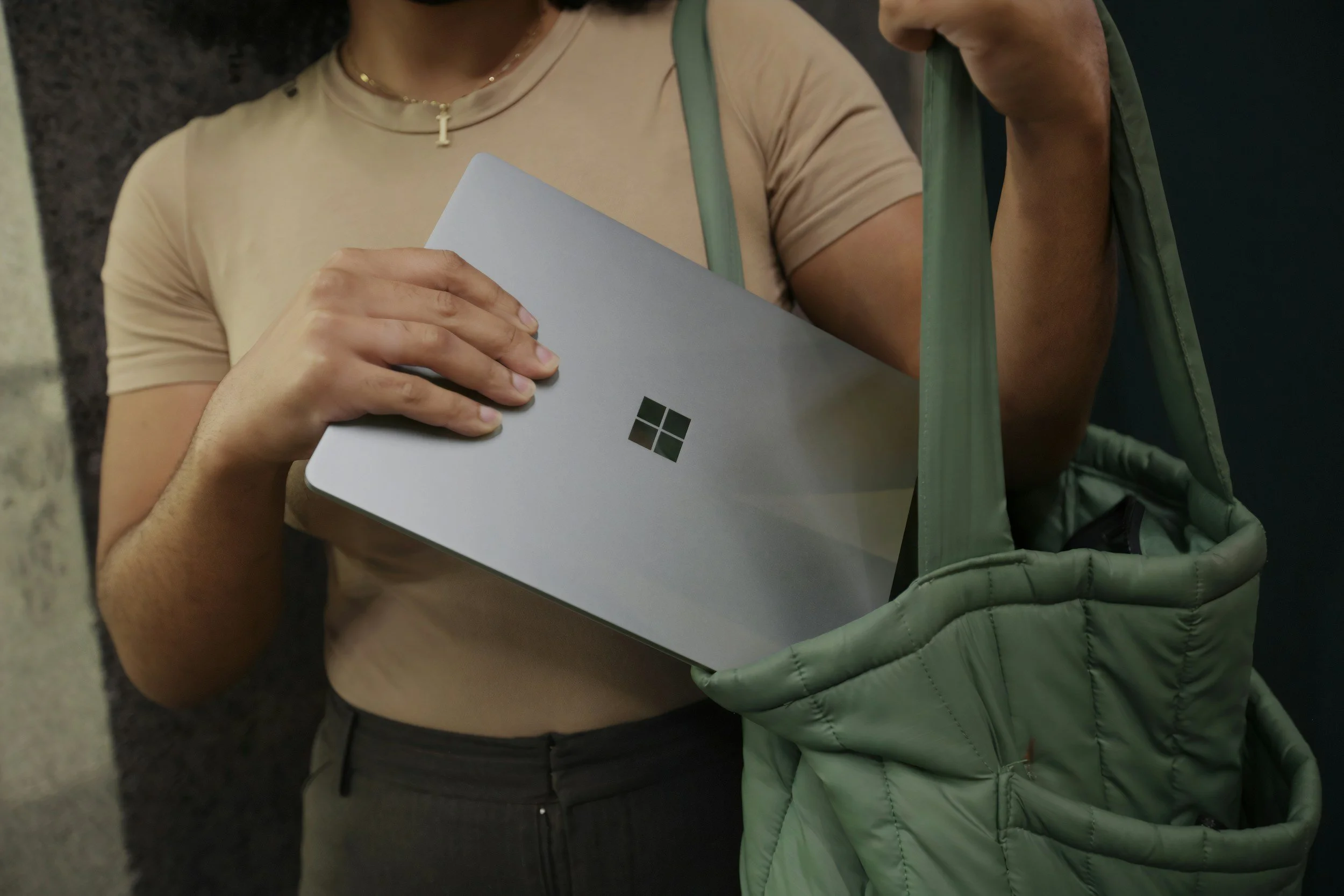
Campaign: Back to School with Copilot
Goal: Position Copilot as a resource to help students prep for exams, get organized, and navigate life.
Copy on the Account Management Discover Card
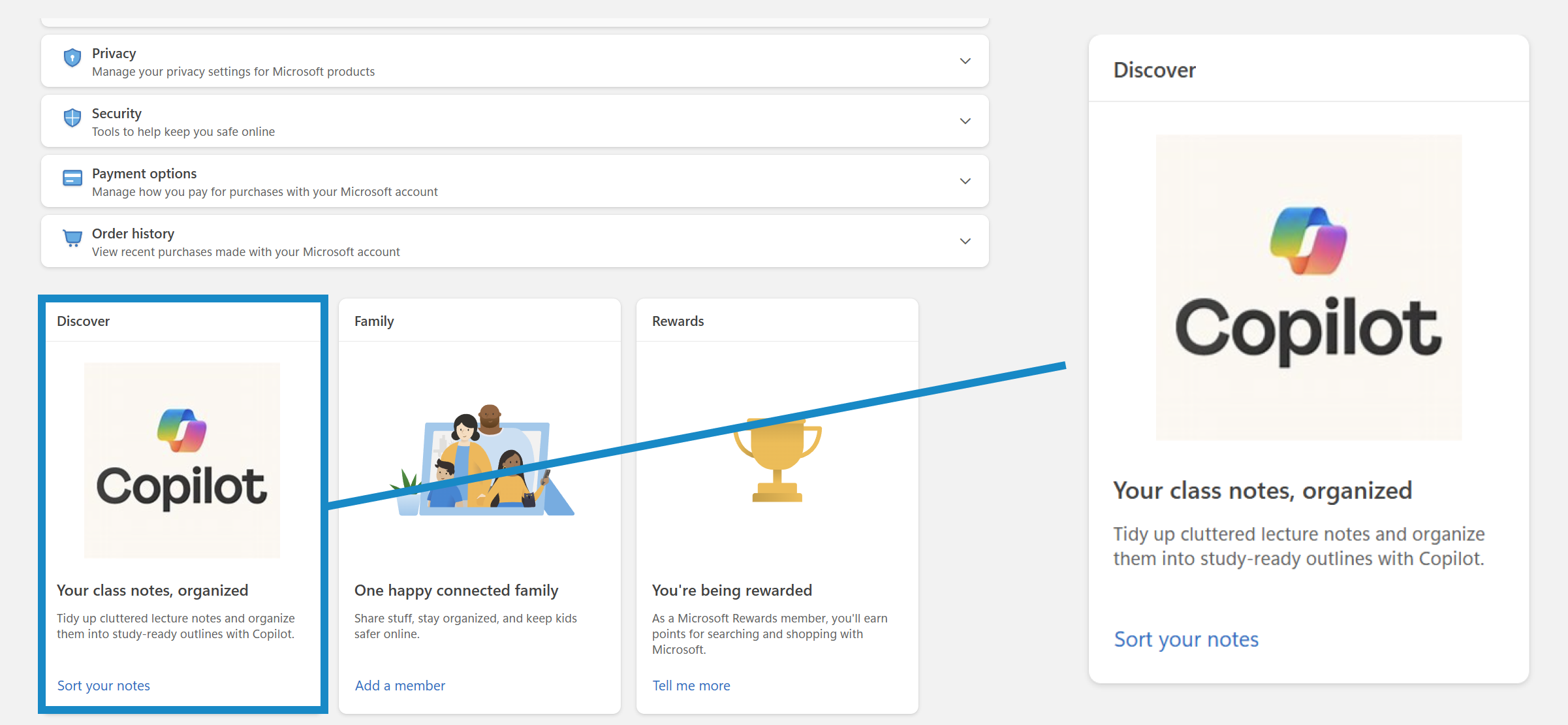
Copy Examples: Windows Lock Screen
-
Headline:
Turn midnight cram sessions into easy exam prep with Copilot from practice quizzes to study guidesBody:
Whether you’re solving Calculus equations or analyzing literature for an English course, just tell Copilot what you’re studying and where you’re stuck, so you can make the most of your study time.CTA:
Study for your next exam with Copilot -
Headline:
Make sense of dense textbook topics and ask Copilot to rephrase what you’re reading into simple summariesBody:
When the words are there, but they won’t sink in, Copilot helps break down complex topics in ways you can pick up fast. No study groups or tutoring sessions. Just help when you need it.CTA:
Kick off your study session with Copilot -
Headline:
Organize your lecture notes into study-ready outlines and summaries that’ll stick with Copilot
Body:
When your notes are full of scattered bullet points and half-sentences, Copilot finds the main ideas and summarizes them for you, no matter how messy they feel.
CTA:
Declutter your class notes with Copilot
Copy Examples: Edge New Tab Page
-
Headline:
Unpack your thoughts before your next class startsCTA:
Ask Copilot -
Headline:
Turn last-minute cram sessions into easy exam prep
CTA:
Get study help -
Headline:
Talk it out after a rough day on campus with CopilotCTA:
Speak your mind
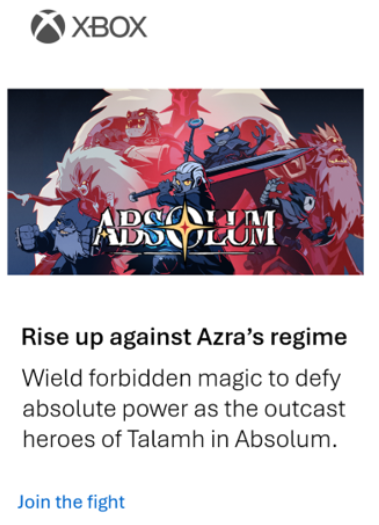
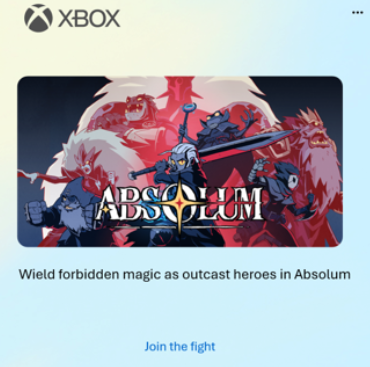
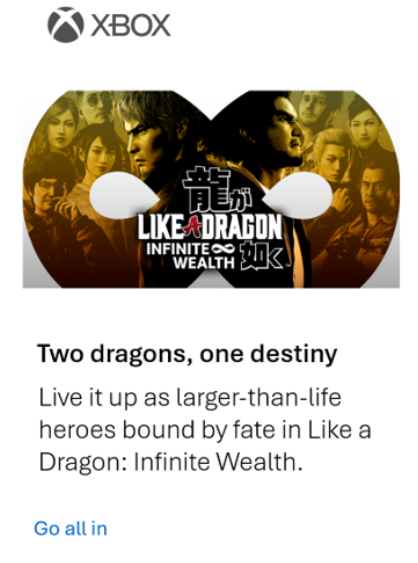
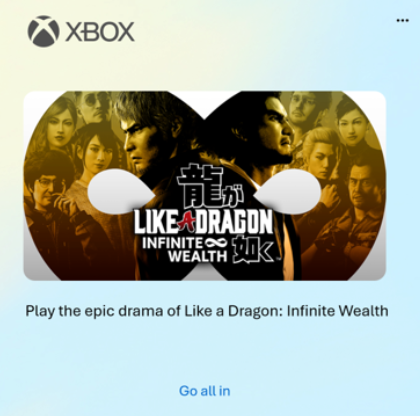
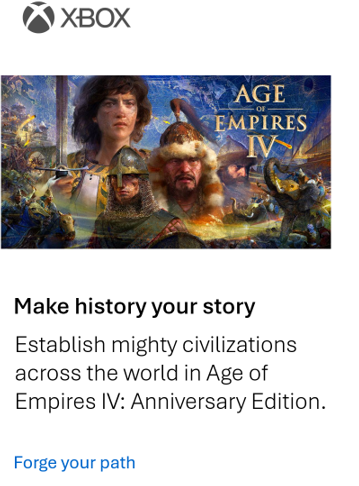
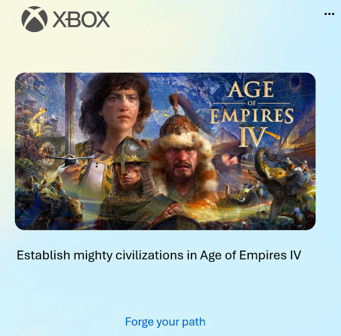
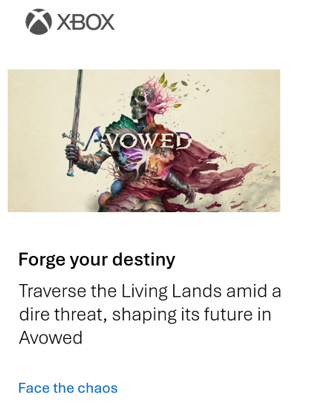
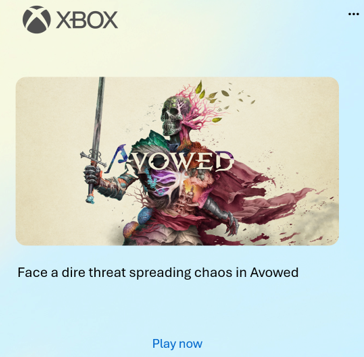
Campaign: Xbox Game Pass
Goal: Highlight Game Pass on Windows 11 with a focus on PC game variety.
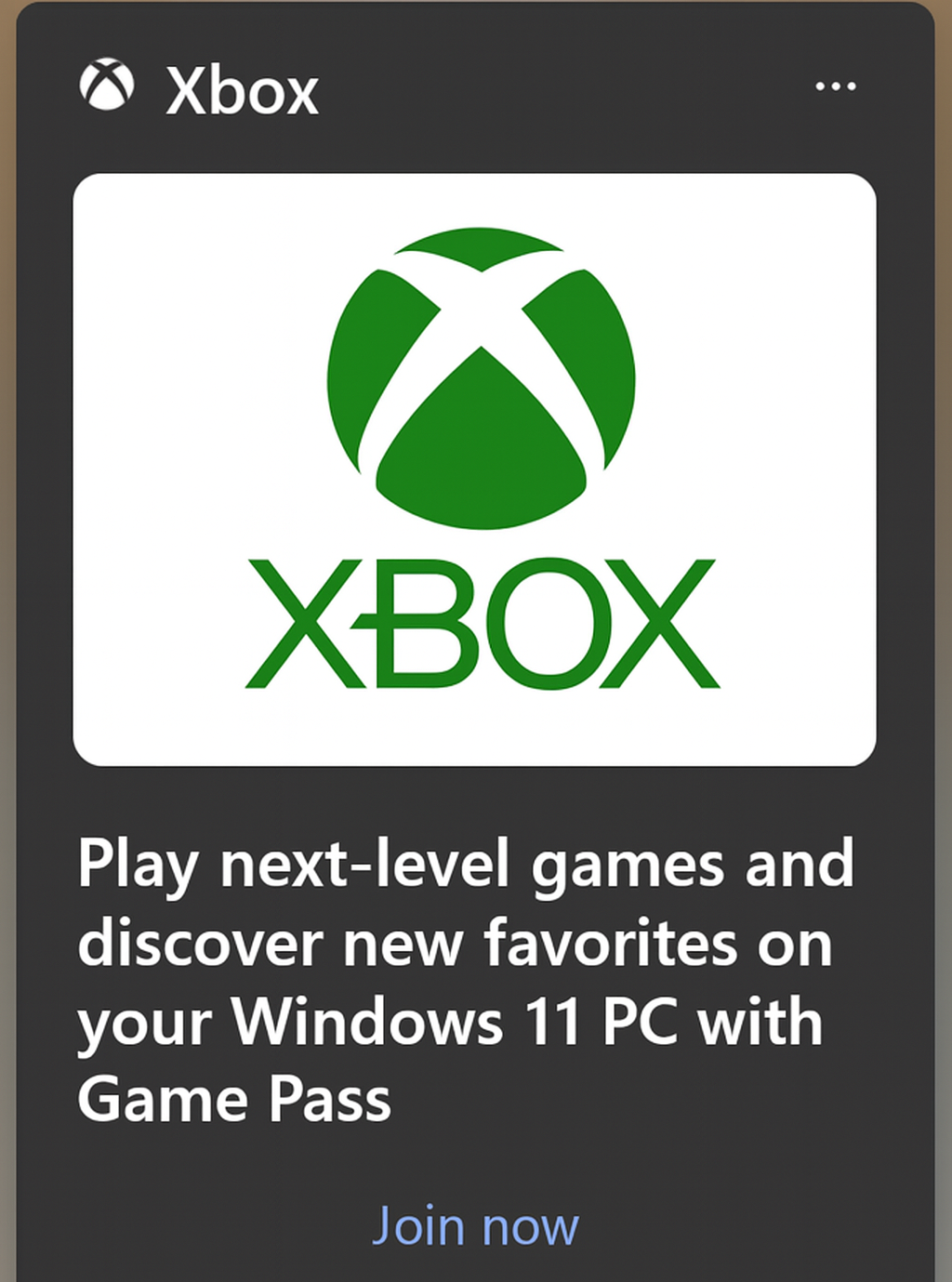
Copy Example: Edge Newsfeed
This appeared in both the Edge default tab and the Windows 11 Discover feed from the taskbar.
Copy Examples: Windows Lock Screen
-
Headline:
Discover your next favorite game with Game Pass, from challenging platformers to immersive RPGs and beyondBody:
With a single click, browse hundreds of high-quality Xbox games included in the Game Pass library. Game catalog varies by plan.CTA:
Explore the catalog -
Headline:
Game without limits on your Windows 11 PCBody:
Play next-level Xbox games with PC Game Pass.CTA:
Join now -
Headline:
Play next-level Xbox games on Windows 11
Body:
Game without limits with PC Game Pass.
CTA:
Join now

Ad Copy Examples